 📚 Digital Library
Trilium
守护进程#
# /etc/systemd/system/trilium.service
[Unit]
Description=Trilium Daemon
After=syslog.target network.target

[Service]
User=ding
Group=ding
Type=simple
ExecStart=/opt/trilium/trilium.sh
WorkingDirectory=/opt/trilium/							# 程序目录
Environment="TRILIUM_GENERAL_INSTANCENAME=GuiZhuo"		# 程序名称,没生效
Environment="TRILIUM_GENERAL_NOAUTHENTICATION=true"		# 免验证密码直接登录,本地部署需要
Environment="TRILIUM_GENERAL_NOBACKUP=true"				# 不生成备份,磁盘空间小,或者用其它方式备份
Environment="TRILIUM_PORT=4567"							# 自定义端口
Environment="TRILIUM_DATA_DIR=/var/lib/trilium"			# 用户数据目录

TimeoutStopSec=20
# KillMode=process leads to error, according to https://www.freedesktop.org/software/systemd/man/systemd.kill.html
Restart=always

[Install]
WantedBy=multi-user.target
目录权限修改#
[ding@ArchLinux ~]$ sudo chown ding:ding -R /opt/trilium/
[ding@ArchLinux ~]$ sudo chown ding:ding -R /var/lib/trilium/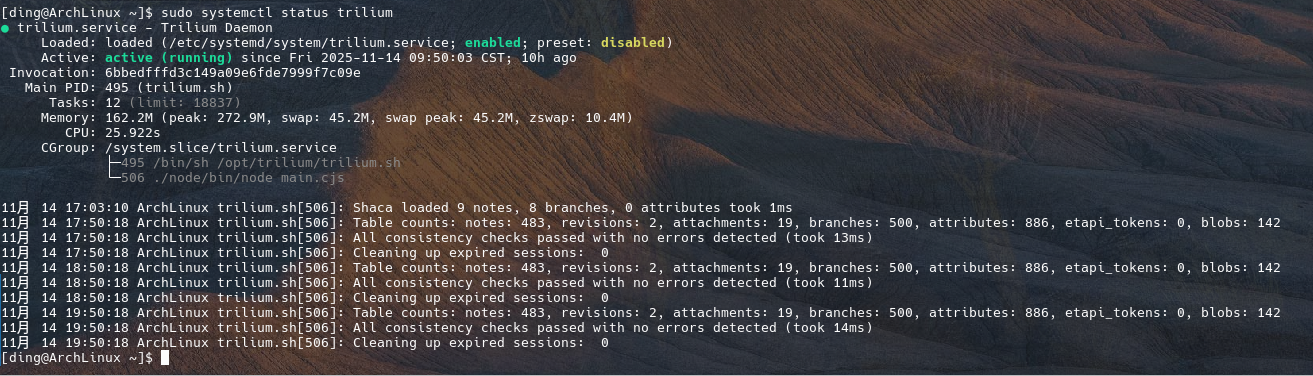
分享代理#
server {
    listen 443 ssl http2;
    server_name srv.isrv.cn;

    ssl_certificate     /www/sites/p1.isrv.cn/ssl/fullchain.pem;
    ssl_certificate_key /www/sites/p1.isrv.cn/ssl/privkey.pem;

    # 首页特殊映射 → /share/server
    location = / {
        proxy_pass http://127.0.0.1:40172/share/server;
        proxy_set_header Host $host;
        proxy_set_header X-Real-IP $remote_addr;
        proxy_set_header X-Forwarded-For $proxy_add_x_forwarded_for;
        proxy_set_header X-Forwarded-Proto $scheme;
    }

    # 所有其它路径 → /share/<原路径>
    location / {
        proxy_pass http://127.0.0.1:40172/share$request_uri;
        proxy_set_header Host $host;
        proxy_set_header X-Real-IP $remote_addr;
        proxy_set_header X-Forwarded-For $proxy_add_x_forwarded_for;
        proxy_set_header X-Forwarded-Proto $scheme;
    }
}

server {
listen 80;
server_name srv.isrv.cn;

# 访问 http://srv.isrv.cn 自动跳转到 https://srv.isrv.cn
return 301 https://$host$request_uri;
}分享样式调整#
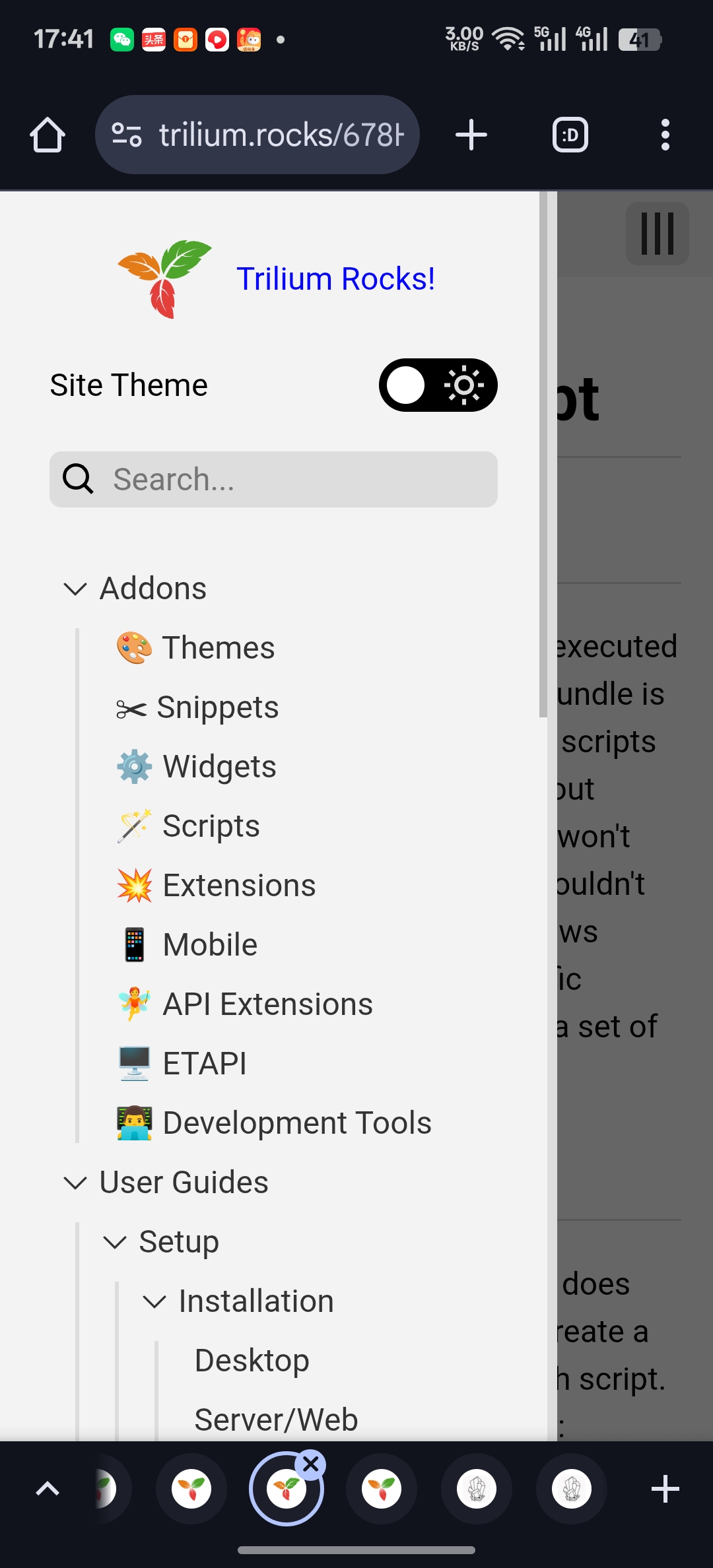
参考资料: https://docs.triliumnotes.org/user-guide/advanced-usage/sharing
定制徽标#
~shareLogo(inheritable)=logo.png
#shareLogoWidth=53 #shareLogoHeight=40
#shareRootLink="https://docs.isrv.cn" 笔记外链#
#shareExternal="https://luoxingding.com/nav/" # 这个才有效笔记标题限制#
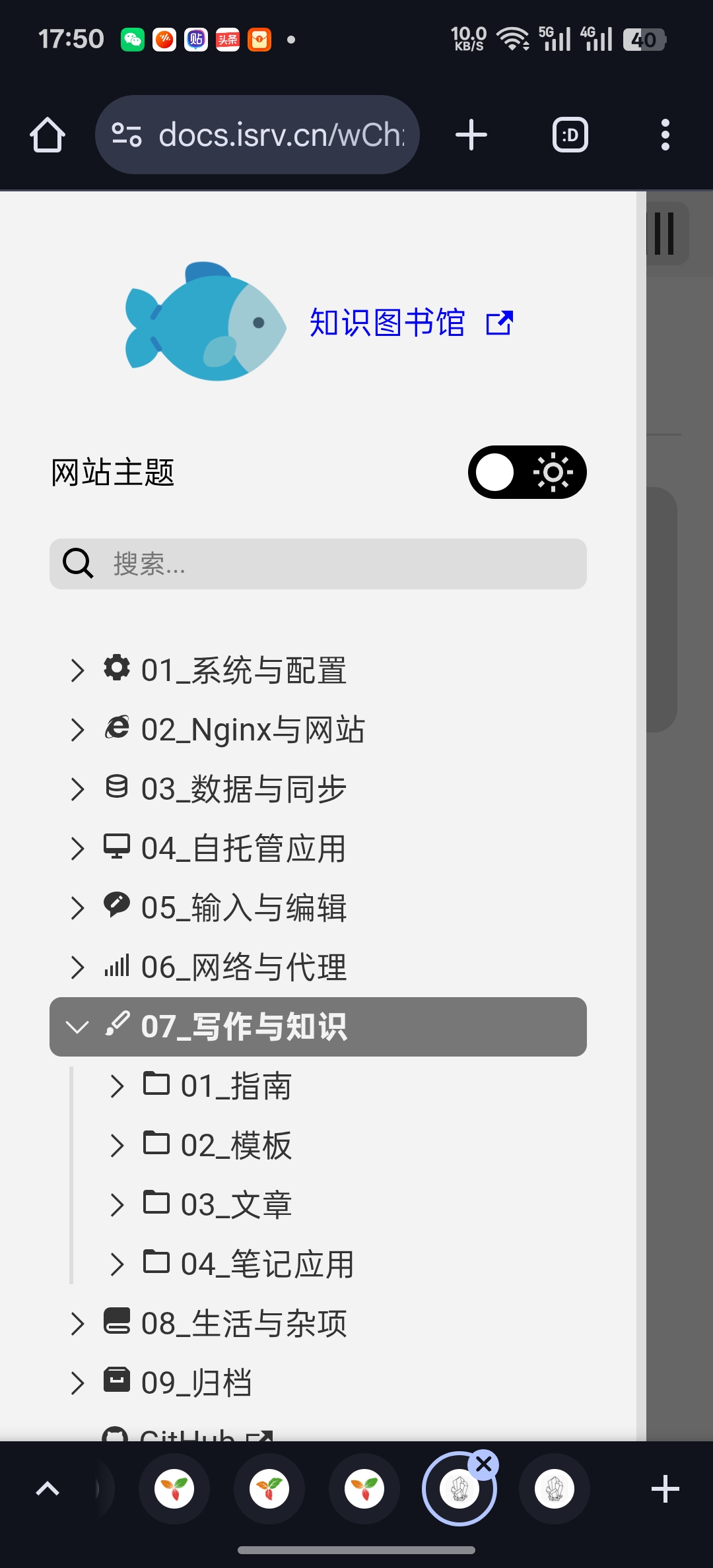
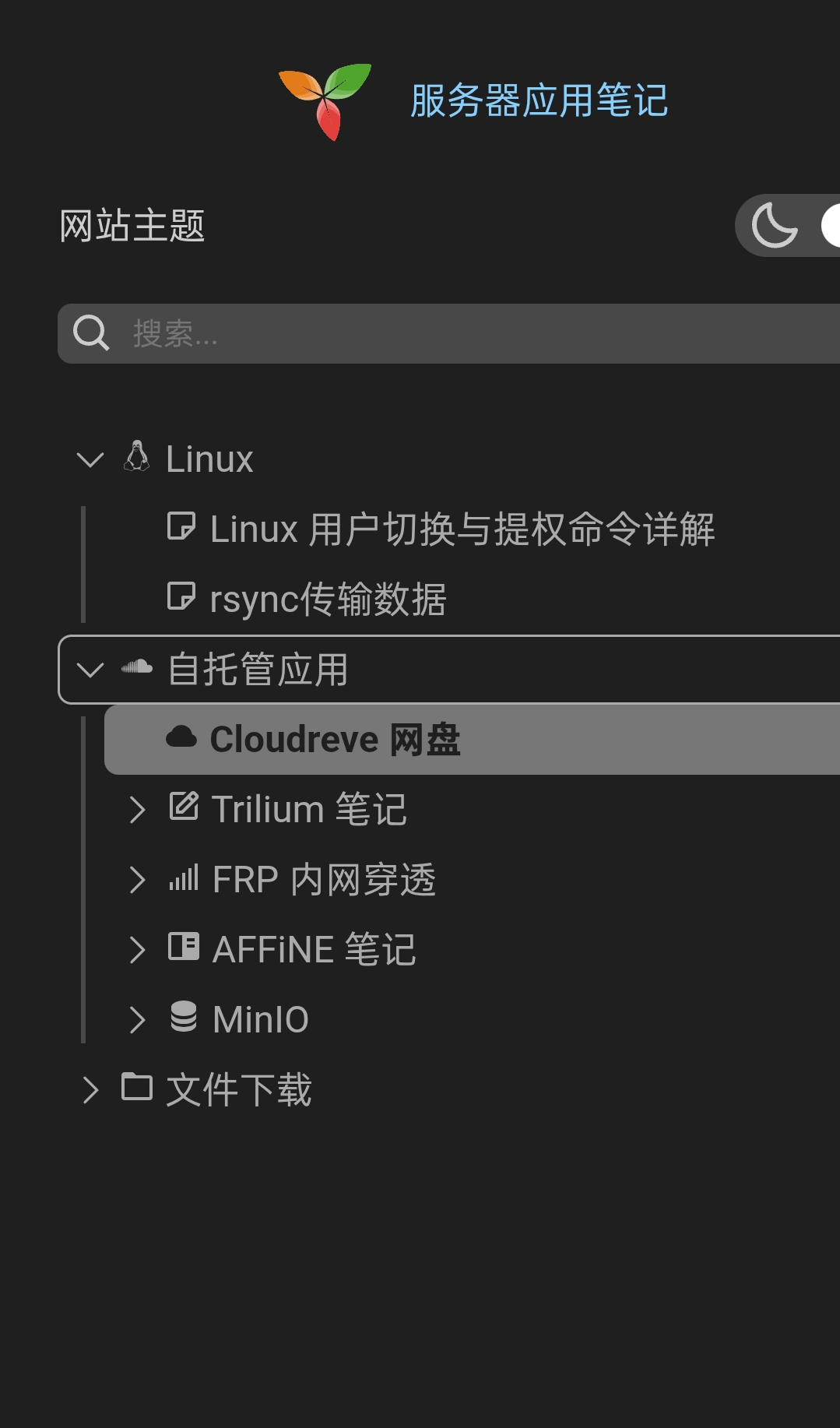
笔记标题不能过长,不然在移动端侧边栏太宽不能点空白折叠!
测试长标题在移动端的显示状况 >> 14 个汉字占满99%不易折叠
测试长标题在移动端的 >> 最长容纳 10个汉字。
设立规范 不能超过8个汉字。或16个字母位。- 笔记深度最多三层。
例图#
调整完成#
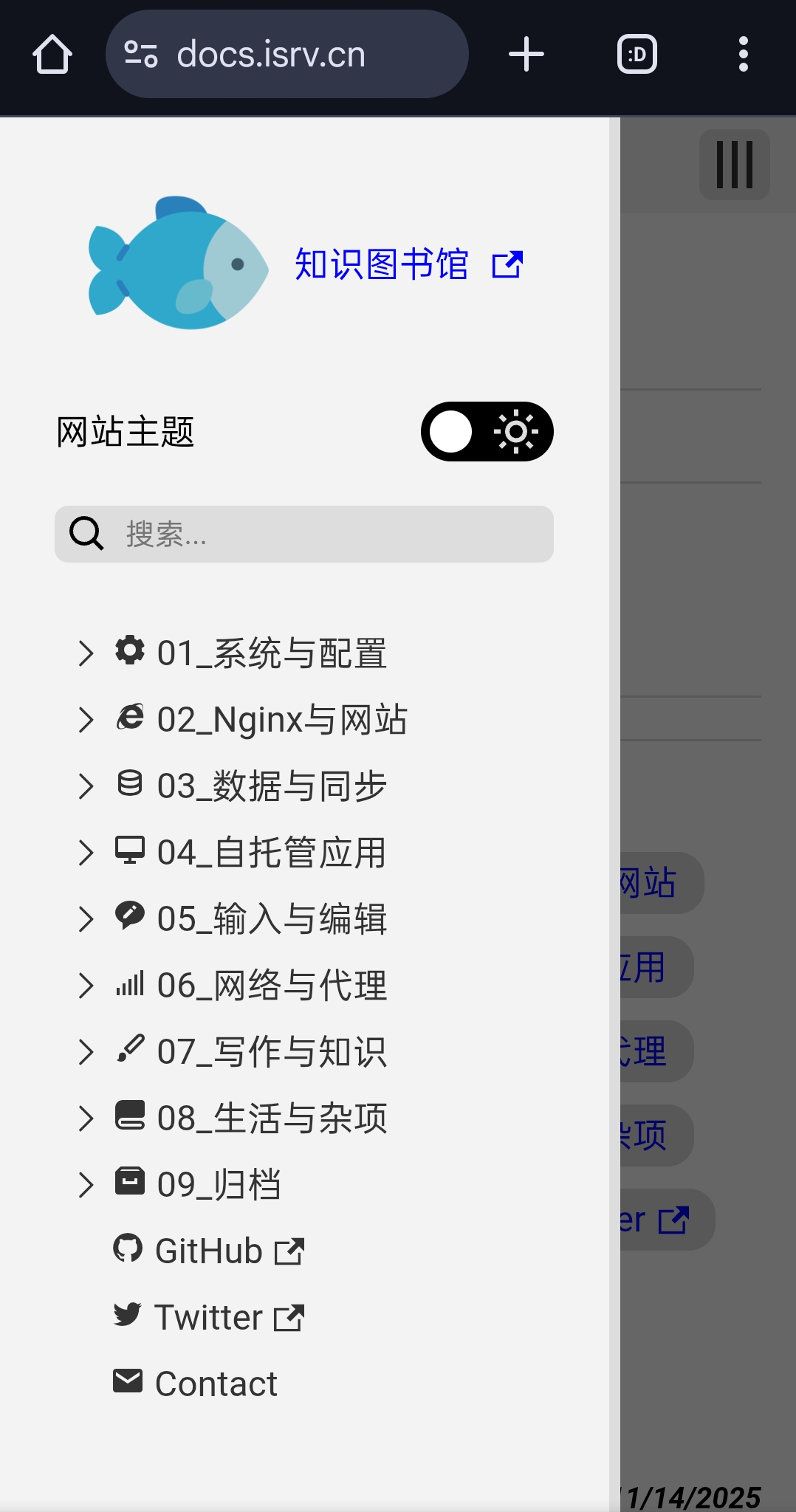
调整完成截屏#
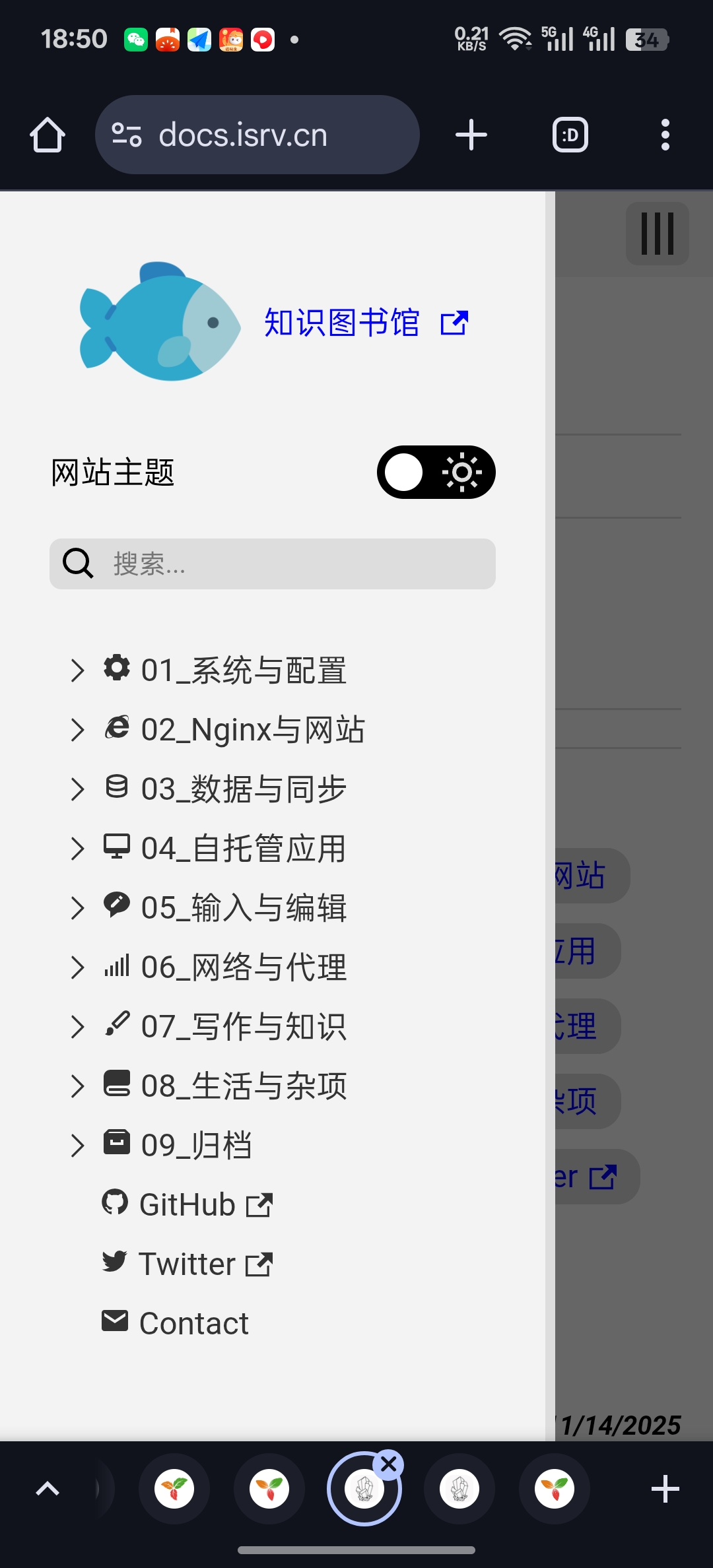
标题过长导致侧边栏过宽#
参考原作#
标题过长未调整#
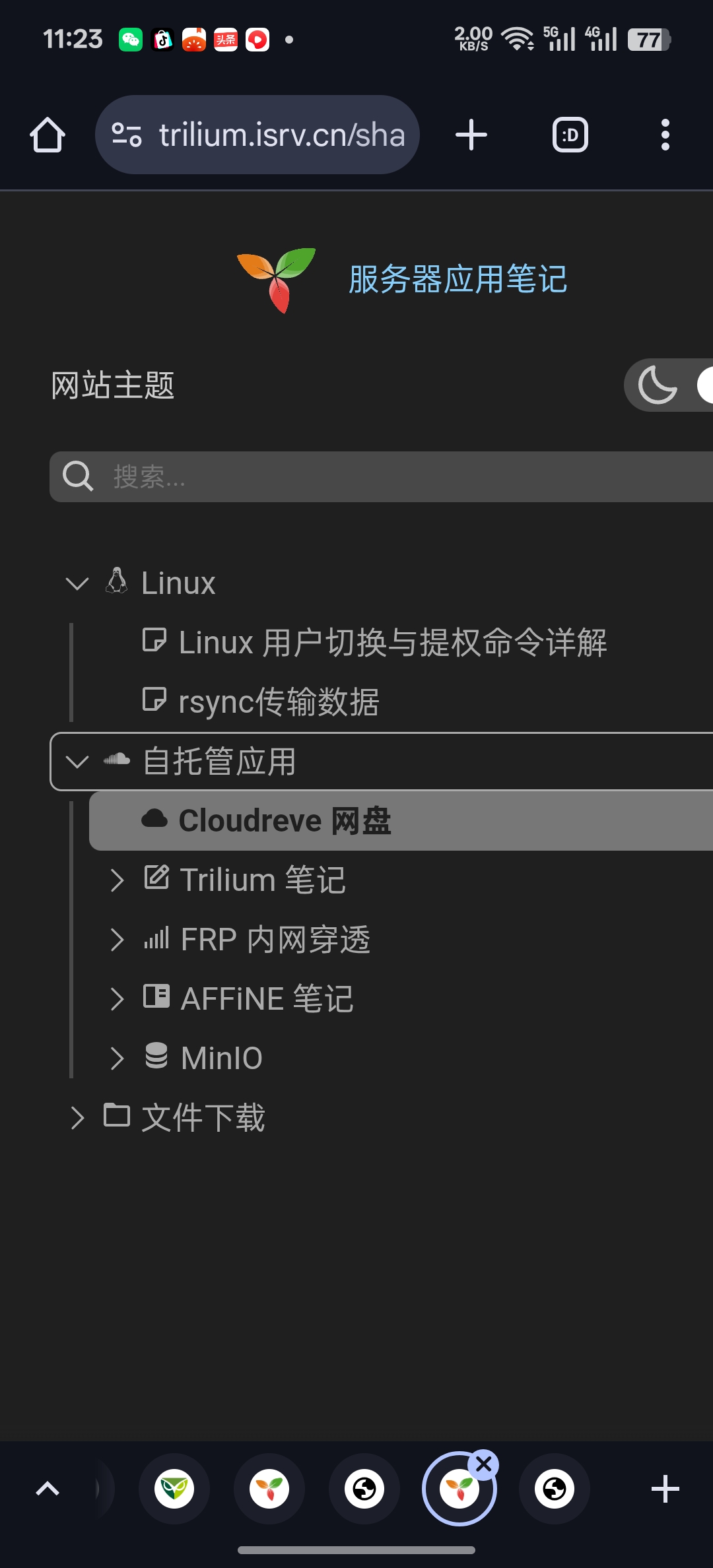
旧版未更新之前侧边栏不能显示笔记树#